You can add assets from Factory Content to your Kanzi application in Kanzi Studio. For a list of the Factory Content, see Factory Content assets.
Using Factory Content in your project
To use Factory Content in your project:
-
In the Assets window set Source to Factory Content.

- From the Assets drag the item you want to use in your project to a node in the Preview, or a node in the Project.
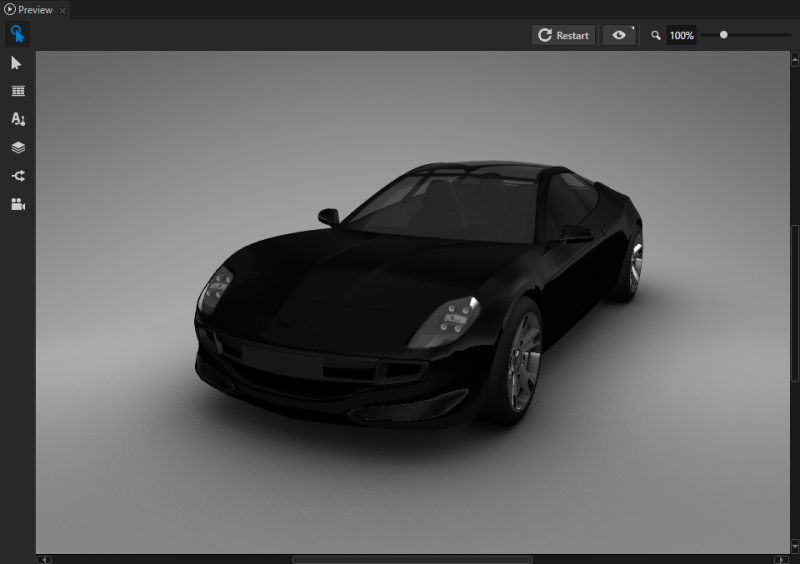
For example, drag the Car to the Preview. When you drag a Factory Content item to the Preview or a node in the Project, Kanzi instantiates that item as a prefab, and adds it to the Prefabs.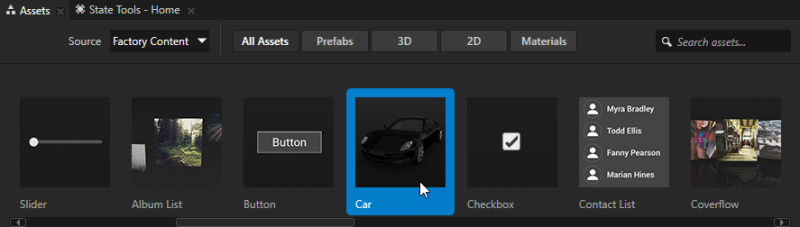

Using Factory Content materials in your project
To use Factory Content materials in your project:
- In the Assets window set Source to Factory Content.
- In the Assets window select Materials to view only the Factory Content materials.

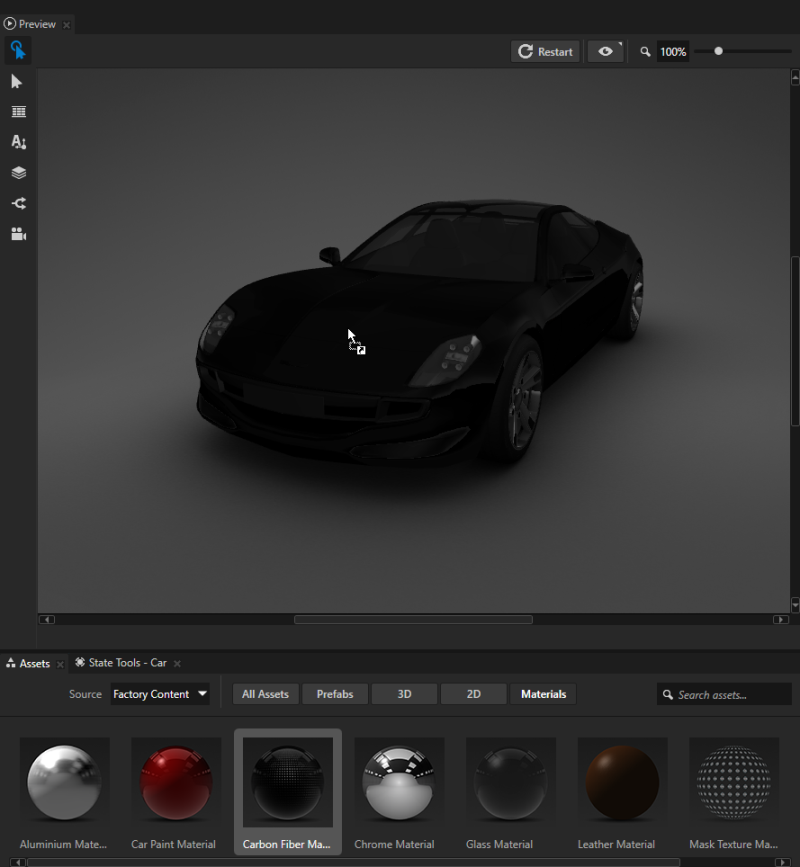
- From the Assets drag the material you want to use in your project to a node in the Preview, or a node in the Project.
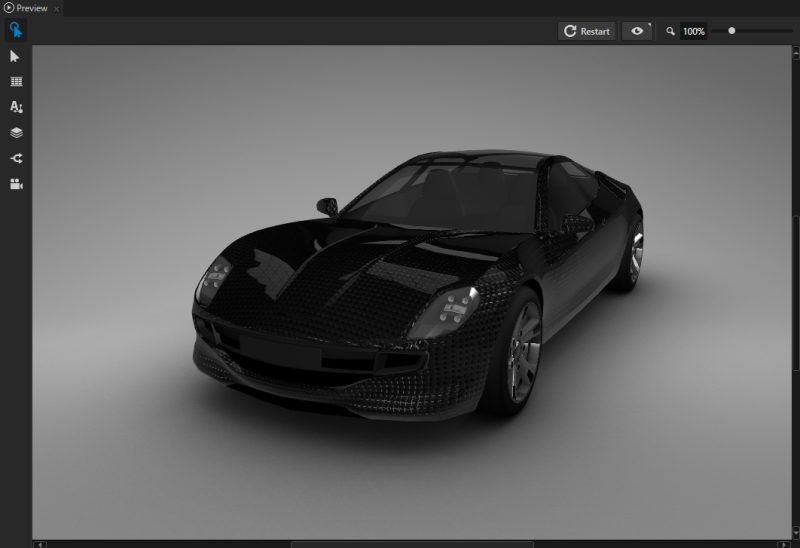
When you use a Factory Content material in your project, Kanzi adds that material to the Library > Materials and Textures and Resource Files > Shaders. For example, to use a material for a car body, either drag that material to the car body in the Preview, or to the Car > car > RootNode > Car > CarBody node in the Project.
To use a material that uses normal map textures, the 3D model where you want to use such material must have tangents. These Factory Content materials use normal map textures: - Aluminium Material
- Carbon Fiber Material
- Leather Material
- Rubber Material
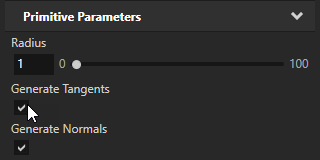
To use a material with a normal map texture on a primitive mesh, in the Project select the primitive mesh and in the Properties enable the Generate Tangents and Generate Normals properties.